leap CLI
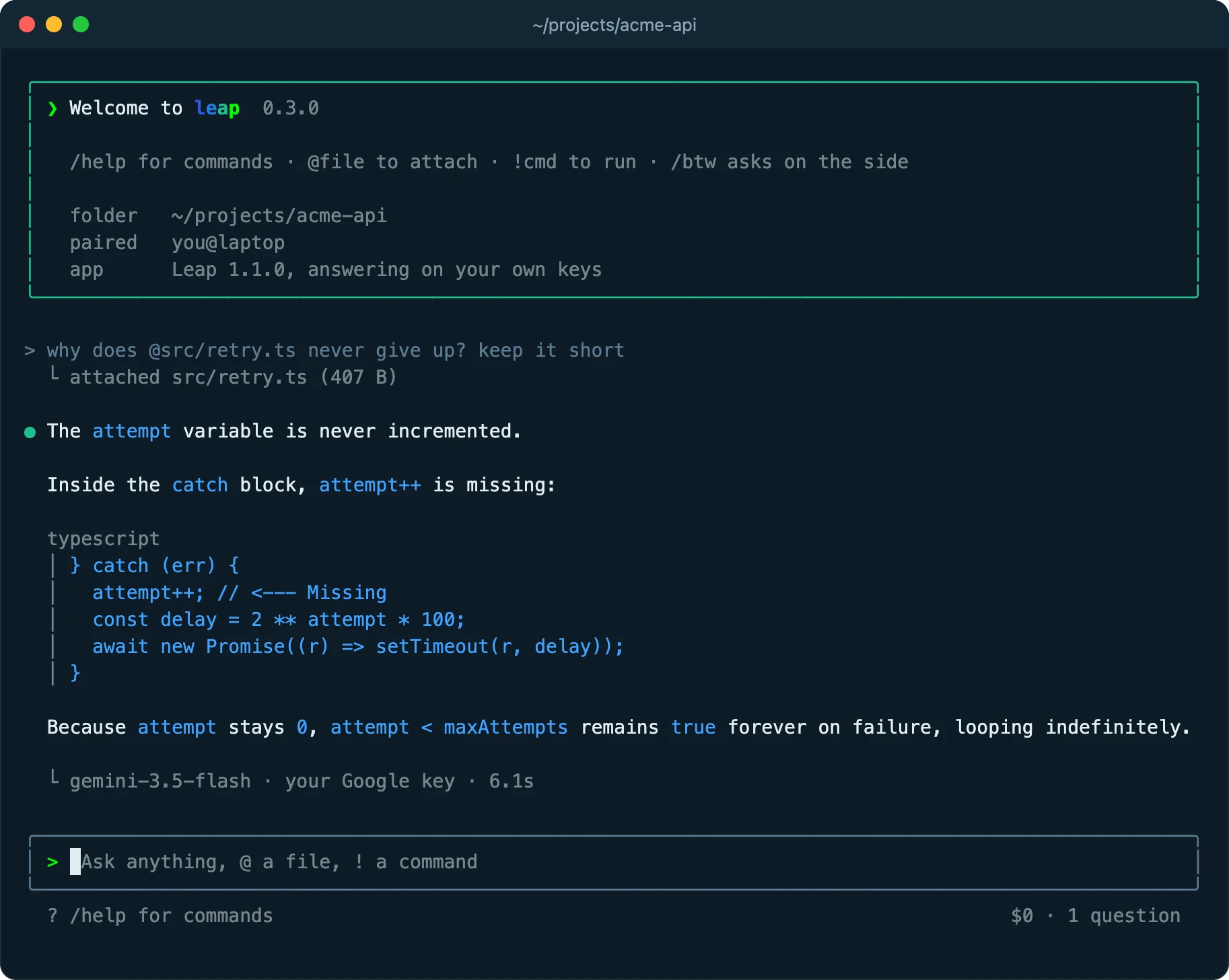
Ask leap from your terminal
The desktop app does the routing, under your Switchboard rules and on your own keys. Your shell only sends the question, so no API credential ever sits in it.
Install in three steps
1. Install the app
The command talks to leap 1.1 or later, which holds your keys and makes every routing decision. Download leap
2. Add the command
Needs Node.js 22 or newer. This puts leap on your PATH:
npm install -g https://github.com/leapSystems/leap-releases/releases/download/v1.1.7/leap-cli-1.1.7.tgzleap-cli-1.1.7.tgz · 36 KB · SHA-256:To check the package first, download it, compare the output of
shasum -a 256 leap-cli-1.1.7.tgzwith the hash above, then runnpm install -g ./leap-cli-1.1.7.tgz.3. Pair once
Run this, then click Allow in the dialog when its code matches the one your terminal printed.
leap pairIf the app is closed, the command starts it quietly in the background. A window appears only when it needs you.
From the shell
- leap
- A full-screen session in this folder.
- leap ask "what is a CDN?"
- One question, answered in place.
- cat error.log | leap ask "why does this fail?"
- Pipe anything in as context.
- leap -c
- Pick up the last conversation held here.
- leap status
- Is the app running, and is this terminal paired?
- leap launch
- Bring up the desktop window.
- leap unpair
- Revoke this terminal.
Inside a session
- /model <id>
- Fix the answering model for this conversation; give it auto to hand the choice back.
- /review [base]
- Review your uncommitted git changes, or everything since a base.
- /btw
- A side conversation in a split screen. It sees the main thread but never joins it.
- /compact
- Swap the history for a summary, so later turns cost less.
- /resume
- List earlier conversations and continue one.
- /copy /export
- Copy the last answer, or save everything as Markdown.
- @path
- Attach a file or a folder listing. Tab completes paths.
- !command
- Run something; its output goes with your next question.
What the terminal can and cannot reach
Loopback only
The app listens on 127.0.0.1, turns away browser requests and answers paired terminals alone.
You approve each pairing
A dialog shows the code your shell printed, and nothing is paired until you click Allow.
No keys in the shell
Provider credentials stay in the app. The pairing token is readable only by you, and unpair revokes it.
Nothing read behind your back
The model cannot open files or run commands itself. Only what you attach with @ or run with ! is sent.